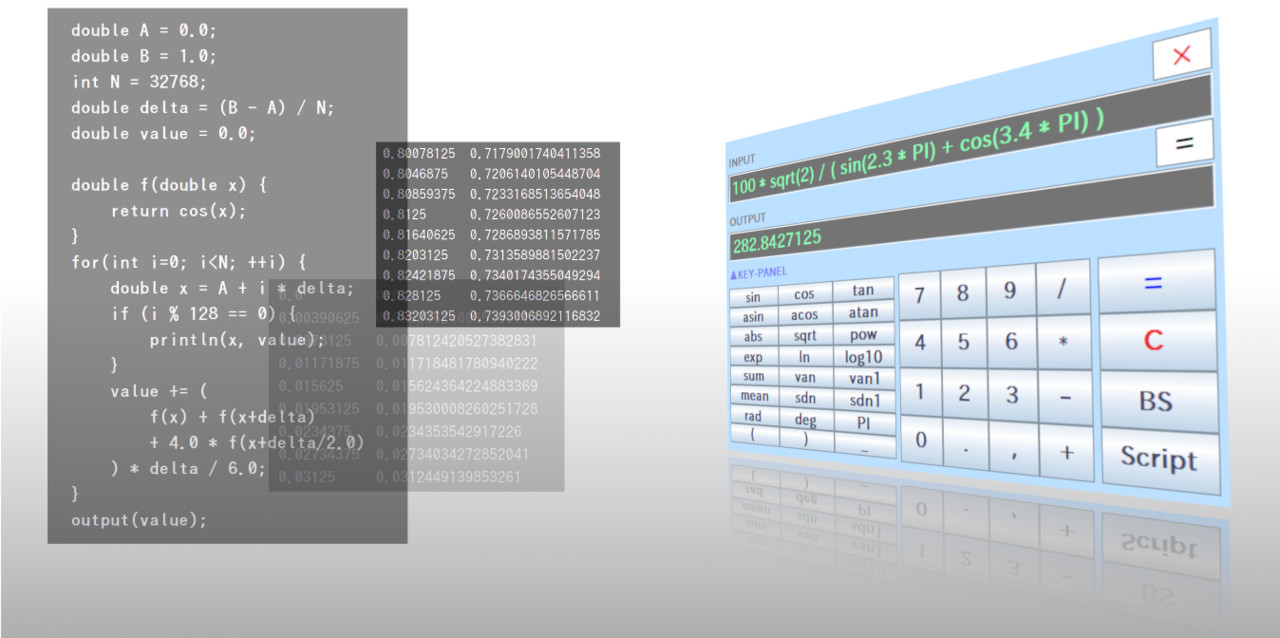
As announced in the previous article, the free, scientific calculator RINPn now has an online version you can use anytime, anywhere in your web browser.
Like the download version, RINPn Online is open source. Anyone can freely modify and reuse the source code for both commercial and non-commercial purposes (licensed under the MIT License).
In this follow-up, let's take a light, high-level look at the architecture of RINPn Online and walk through a few bits of the source code.
RINPn Online launches instantly, so before diving into internals, let's bring it up and see it in action.
Open the official RINPn website:
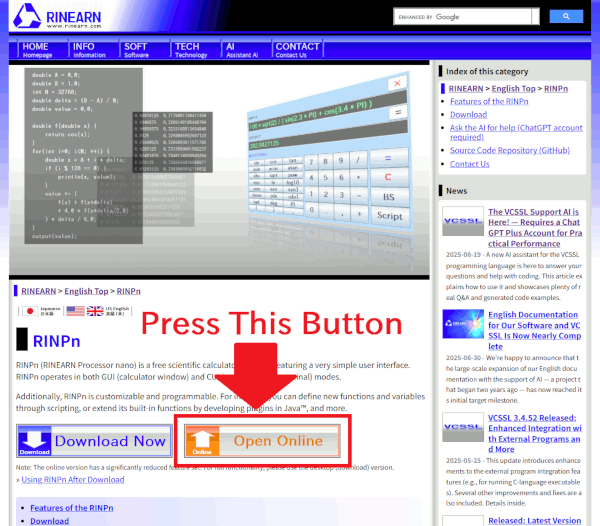
On the page, click the "Launch Online" button to start it:
The UI looks like this. Enter an expression in the INPUT field and press "=" to evaluate:
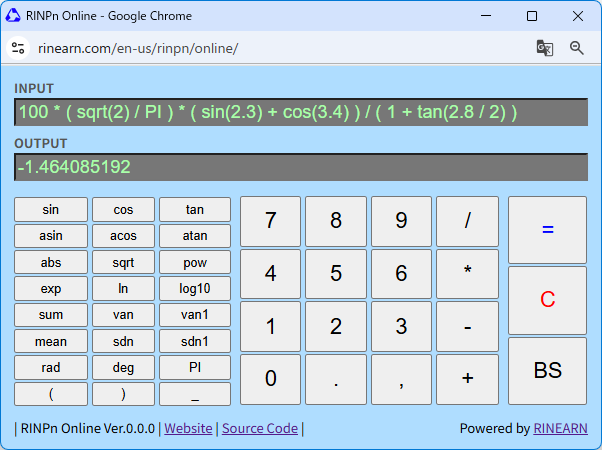
How did it go — did it start up correctly?
Old browsers may fail to run it or may display layout issues. Some smartphones may behave similarly depending on model and generation. For now, please try it on a relatively recent PC if possible.
Now, let's step inside RINPn Online.
You can browse the source code on the GitHub repository below; we'll link to specific parts as needed throughout this article.
First things first: the basic architecture of RINPn Online is extremely simple.
The download (desktop) version of RINPn is fairly large in scope, but — as noted in the previous article — the online version pares back features quite a bit.
If you need the full feature set, just use the download version. By contrast, the online version focuses squarely on lightweight, "use it right now" scenarios — like when you suddenly need to run a calculation on the spot.
So the core structure is just three files:
The two TypeScript files are built into a single JavaScript bundle: `rinpn-online-bundled.js`.
Visualized, the architecture looks like this:
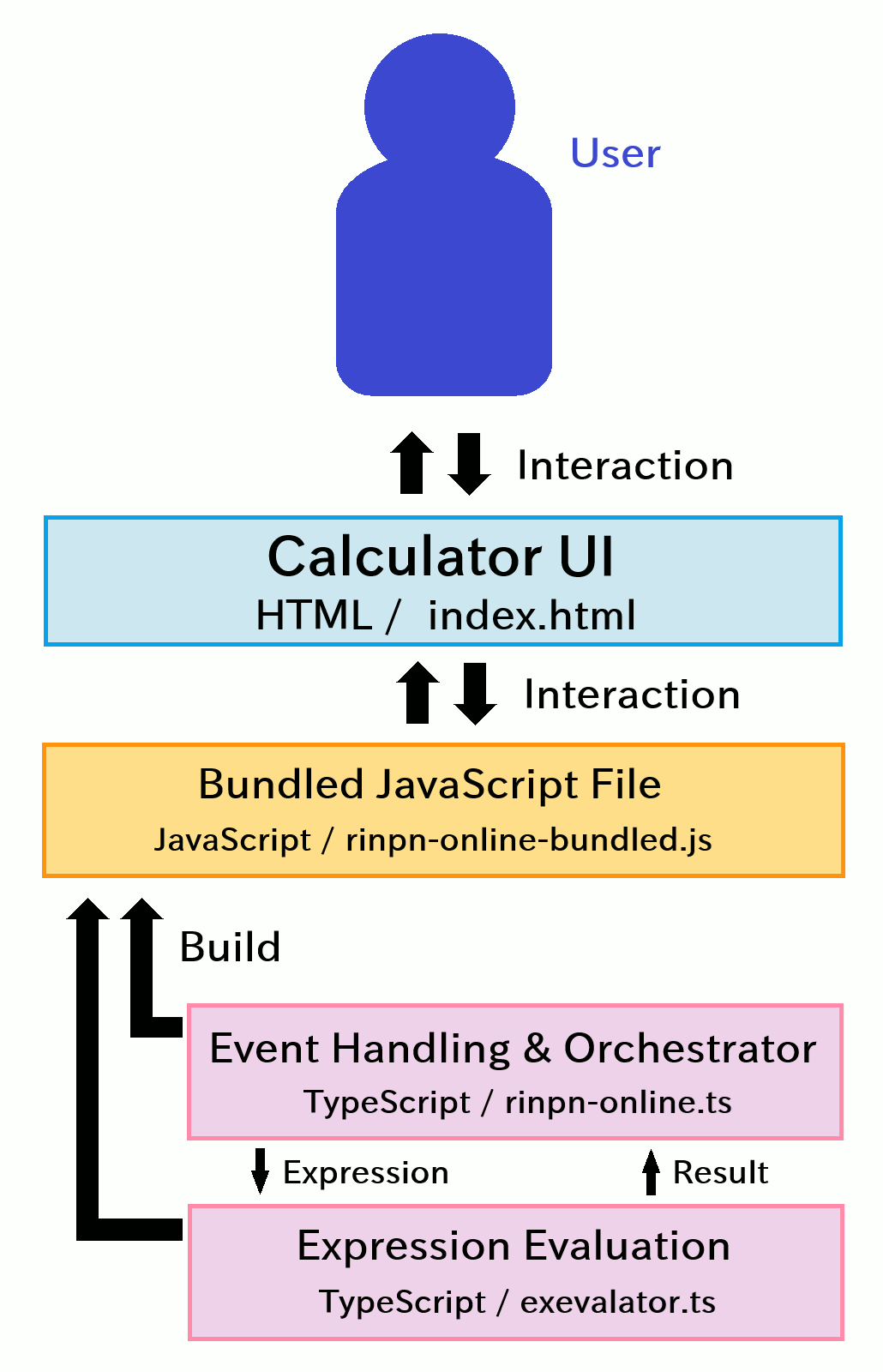
With that in mind, let's look at the three source files in turn (excluding the generated JavaScript bundle).
First up, the outermost layer — the HTML for the UI:
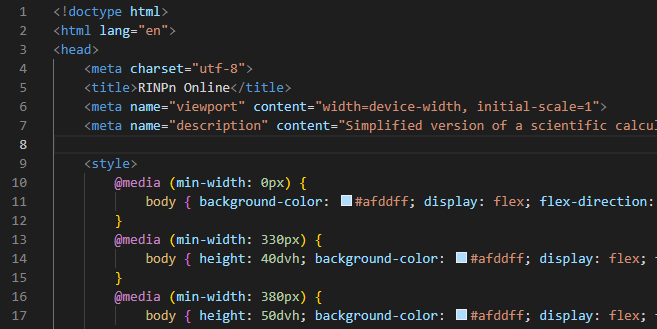
It's fairly straightforward HTML + CSS — mostly a lot of buttons laid out on the page.
The layout is responsive, so the calculator scales with the display size. This lets a single HTML file cover both PCs and smartphones.
Concretely, it uses CSS media queries (the "@media (...) { ... }" sections) to adjust the size of the <body> area, and the panels holding the buttons expand and shrink to fit.
That said, smartphones vary widely in screen size, OS, browser, and version, so on some devices the layout may still break or feel awkward (for now). Since this is a free, quick-to-use build, we're accepting that trade-off at this stage and plan to refine it over time as we operate it.
Now let's jump to the other end of the stack — the expression evaluation at the deepest layer. This is handled by the TypeScript file `exevalator.ts`:
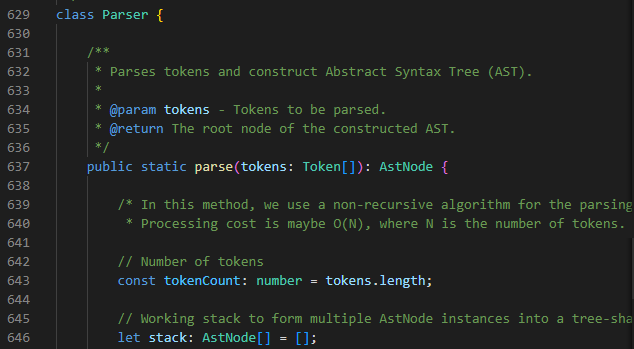
This `exevalator.ts` is the TypeScript implementation of our free Exevalator library, which we also develop and publish — just like RINPn.

We build various language runtime/engine components, and among them Exevalator is a compact library focused solely on evaluating expressions. Because it's small, it's been ported to multiple languages; as of now it supports Java / Rust / C++ / C# / VB.NET / TypeScript. For RINPn Online, we're using the TypeScript version.
» For details, see the Exevalator official site
Exevalator is very easy to use. In fact, the logic in `rinpn-online.ts` — which we'll cover next — serves as a good, concrete example of how to integrate Exevalator.
Although it's a bit off-topic for today, Exevalator is also open source, and we have an article explaining its internal architecture and processing flow. If you're curious, check it out:

That said, the article is a little niche. It's light reading overall, but unless you're somewhat interested in language runtimes and parsers, it might feel a bit dense (speaking from hindsight!).
Lastly, here's the central piece: `rinpn-online.ts`.
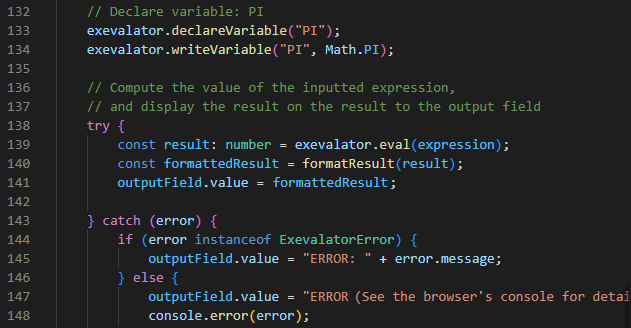
This file mainly does three things:
That's all. Even though it's the "central" file, it's essentially a mediator between the UI and Exevalator — fairly humble work.
For reference, here's the execution flow when a calculation runs:
calculationButton.addEventListener("click", () => {
    calculate();
});
function calculate() {
    ...

    // Instantiate Exevalator
    let exevalator: Exevalator = new Exevalator();

    // Register functions used in expressions: sin(x), cos(x), tan(x), etc.
    exevalator.connectFunction("sin", new SinFunction());
    exevalator.connectFunction("cos", new CosFunction());
    ...

    // Register variables used in expressions: PI
    exevalator.declareVariable("PI");
    exevalator.writeVariable("PI", Math.PI);
    ...
    const result: number = exevalator.eval(expression);
    const formattedResult = formatResult(result);
    outputField.value = formattedResult;
That's the gist of it.
Alright then.
We've wrapped up the architecture overview, so now that you have the internals in mind, why not grab the source and actually build/run it yourself?
If you have Git and Node.js installed, you’re minutes away. Let's do it!
This generates `rinpn-online-bundled.js`, which is also included in the repository. You may want to delete the existing file and re-generate it to confirm your build is working.
To launch, open `index.html` in your browser (e.g., double-click it). The calculator UI should appear in the browser, and it will load the `rinpn-online-bundled.js` bundle.
When making changes, edit the TypeScript files (.ts) rather than the JavaScript files (.js). After editing, run the build step from 3 again to update the calculator's behavior.
-
That's it for today.
Feel free to tweak and reuse the code to create your own custom calculator — have fun!
We'll continue to share RINPn updates in this section. Stay tuned!